After clicking on the 'Request Withdrawal' menu item, you will need to fill out the form.
First, select the Currency Balance you would like to withdraw from the available list:
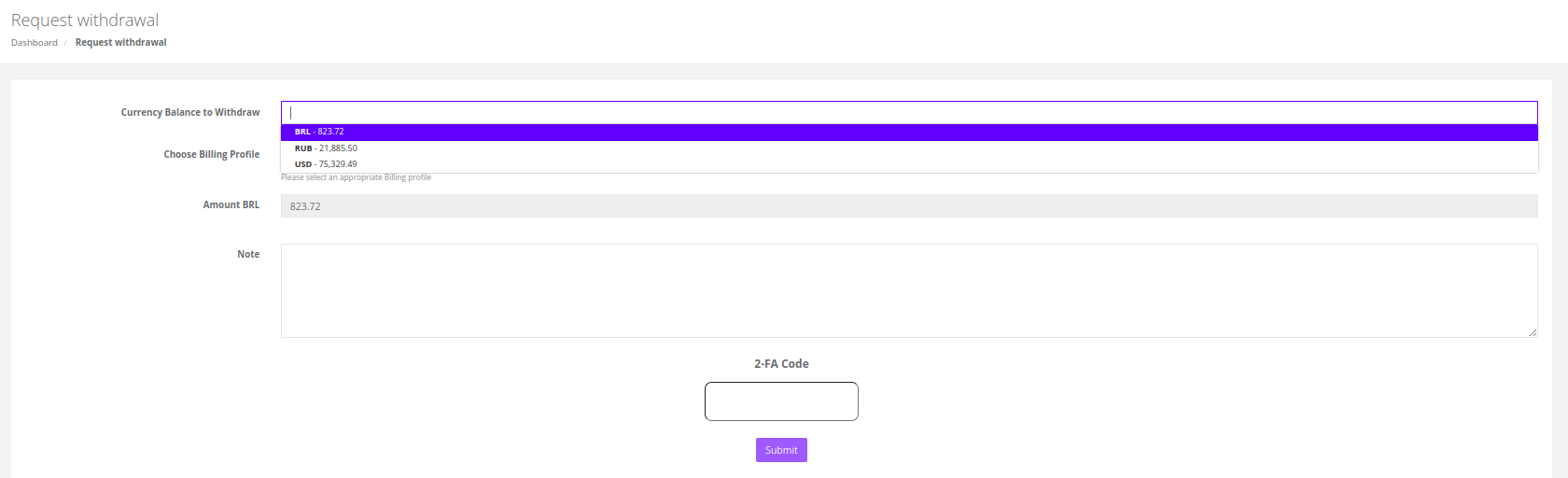
Next, select the Billing Profile you would like to use for this withdrawal from the available list:
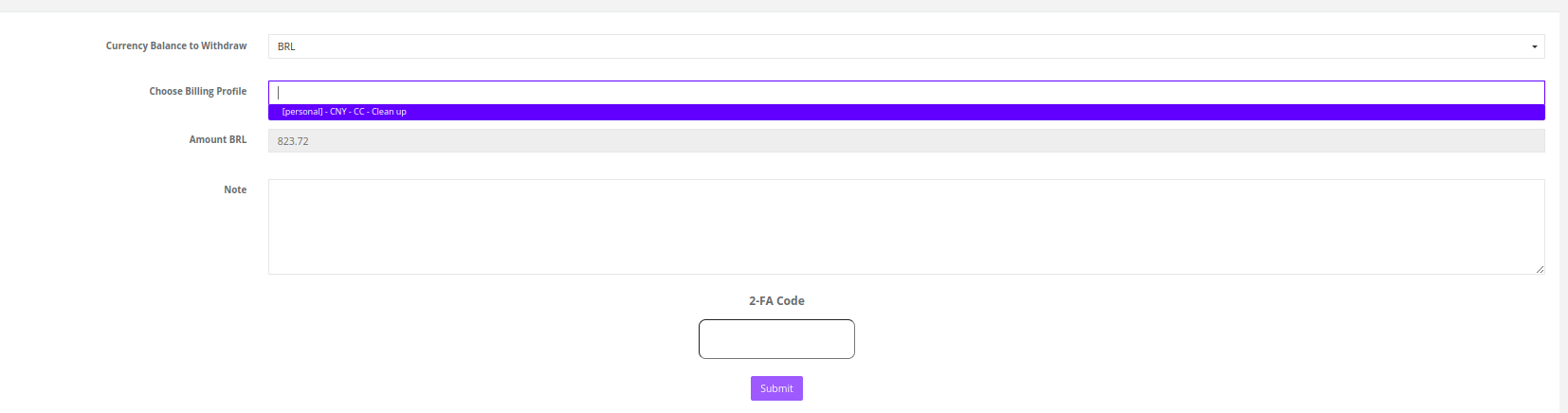
After this step, the selected options will be pre-validated, and you may see a notification with the following instructions.
You can optionally add notes to your withdrawal request, which will be handled by the Finance team.
Submit the form once everything is ready to proceed.
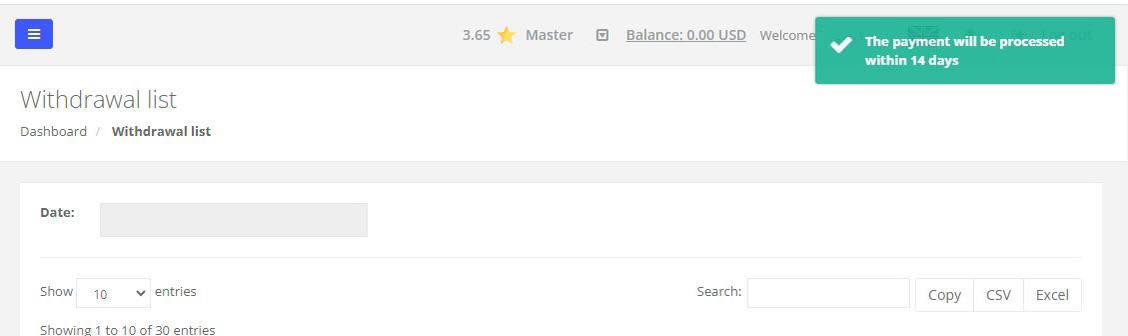
You will see a notification about the estimated time of withdrawal:
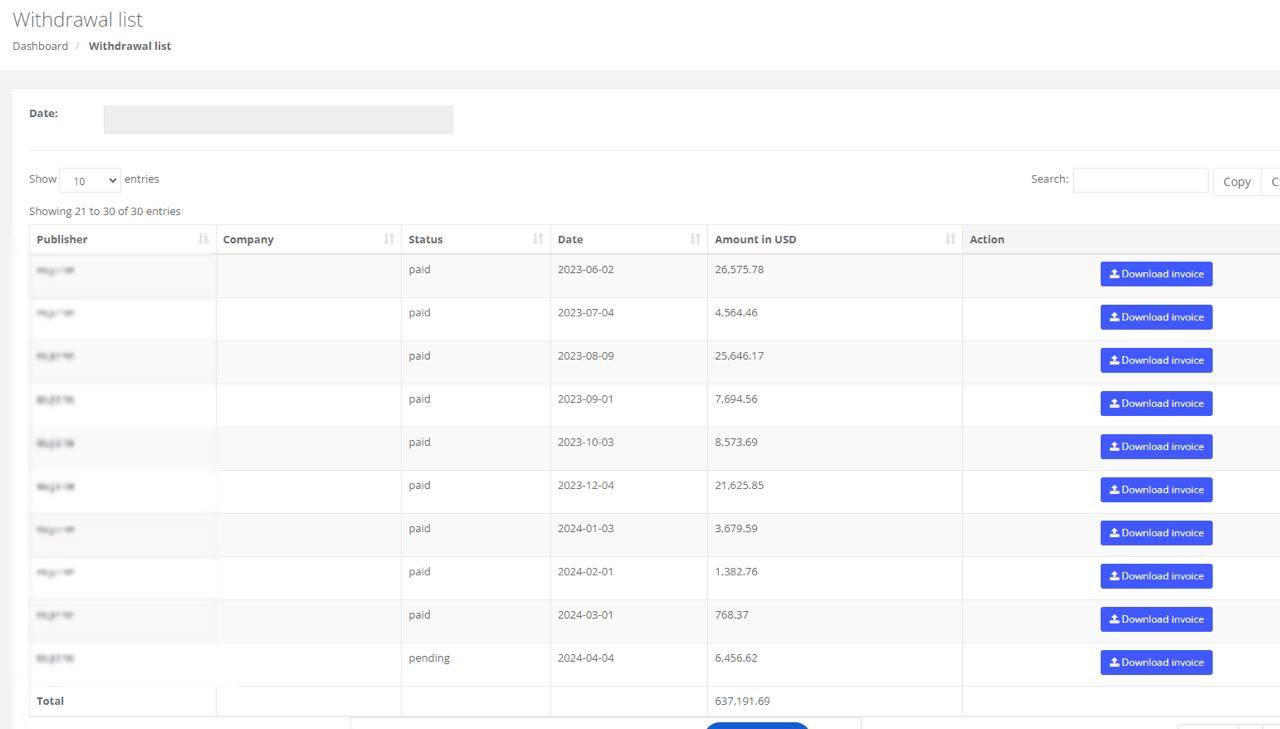
Keep in mind that this is the approximate time, you can check the payment due date in your invoice. In order to see your invoice, go to Billing > Withdrawal list, choose the recent withdrawal and click on Download invoice:
Was this article helpful?
That’s Great!
Thank you for your feedback
Sorry! We couldn't be helpful
Thank you for your feedback
Feedback sent
We appreciate your effort and will try to fix the article