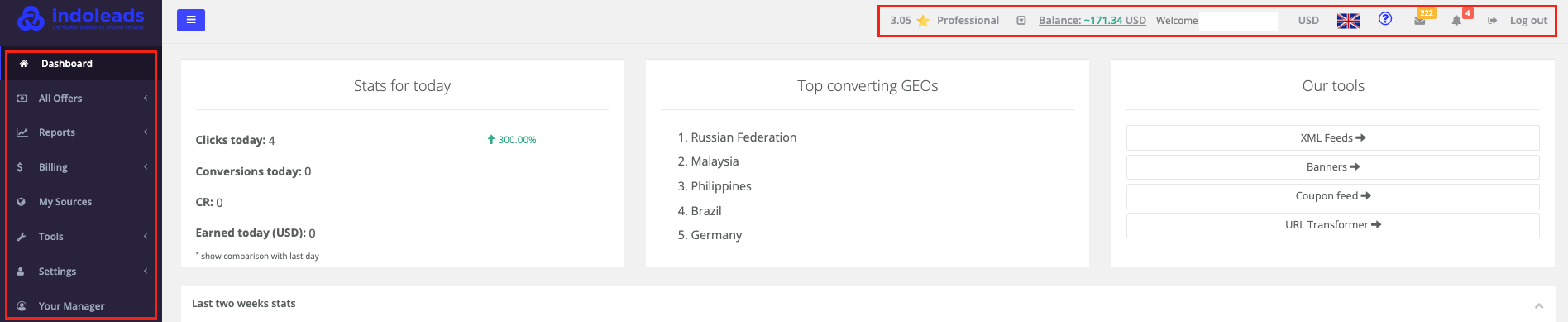
The header is located in the upper part of the page. It includes the following elements:
Account information
-Account rating
-Balance
-Username
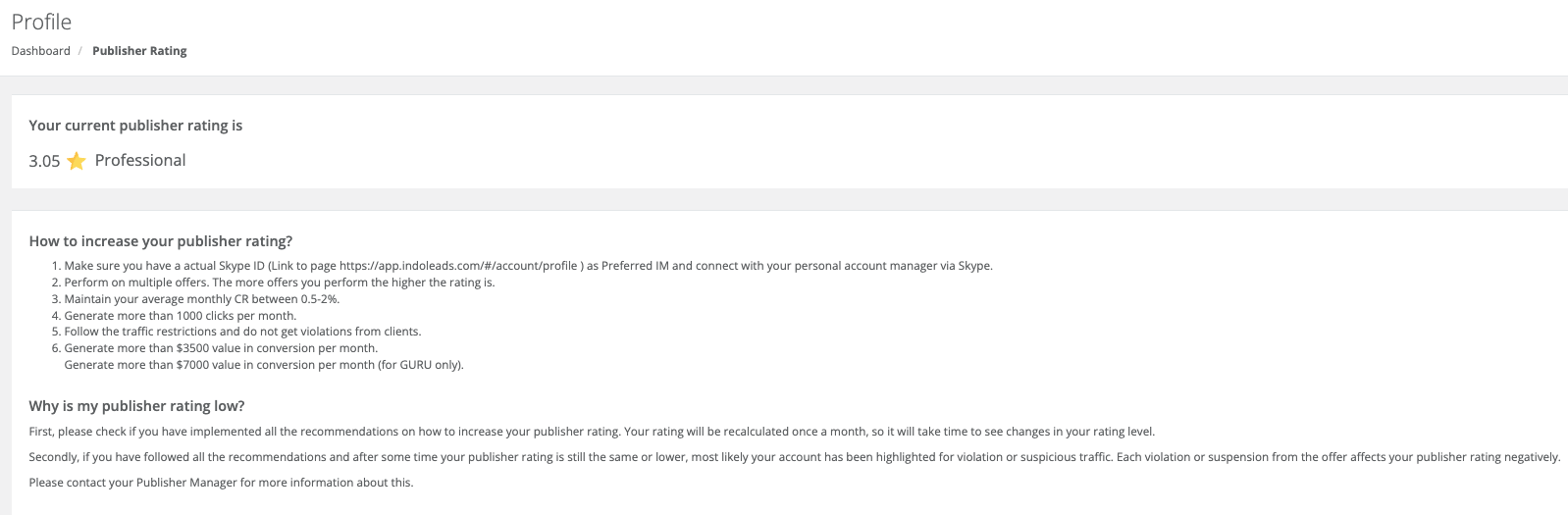
Click on your account rating
You will be redirected to Publisher Rating page. Here you will understand your current rating, how the rating system works and how you can increase your account rating
Click on the Balance to see the details of your earnings:
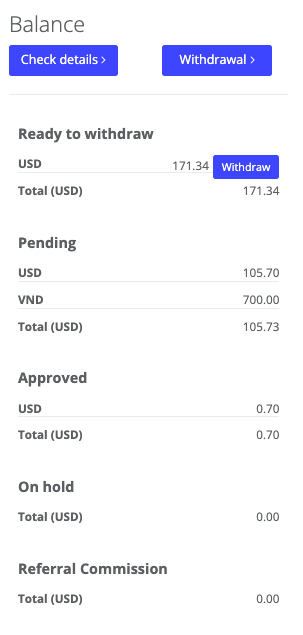
You can click on Check details to see the Billing Report. Or you can click on Withdrawal to quickly access the Withdrawal list.
Check out Payments FAQ for more information on billing related questions.
Buttons that give you easy access to currency, notifications, switching between languages, log out.
Click on "USD" currency and you will get a list of other currencies you can switch to

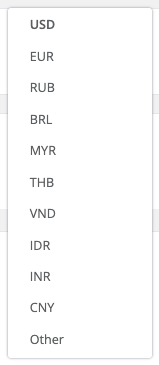
Click on the flag icon and you will get a list of other languages you can switch to
Click on the Bell icon > See all Alerts
You will be redirected to the Notifications page:
Here you can download your requested reports or generated feeds by clicking on Here in the text of the message. You can click on Mark as read in order to make the number of notifications on the bell icon disappear.
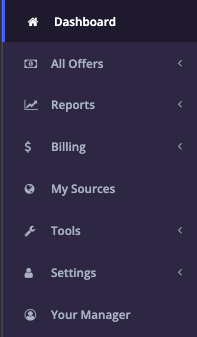
Menu with sections
Was this article helpful?
That’s Great!
Thank you for your feedback
Sorry! We couldn't be helpful
Thank you for your feedback
Feedback sent
We appreciate your effort and will try to fix the article